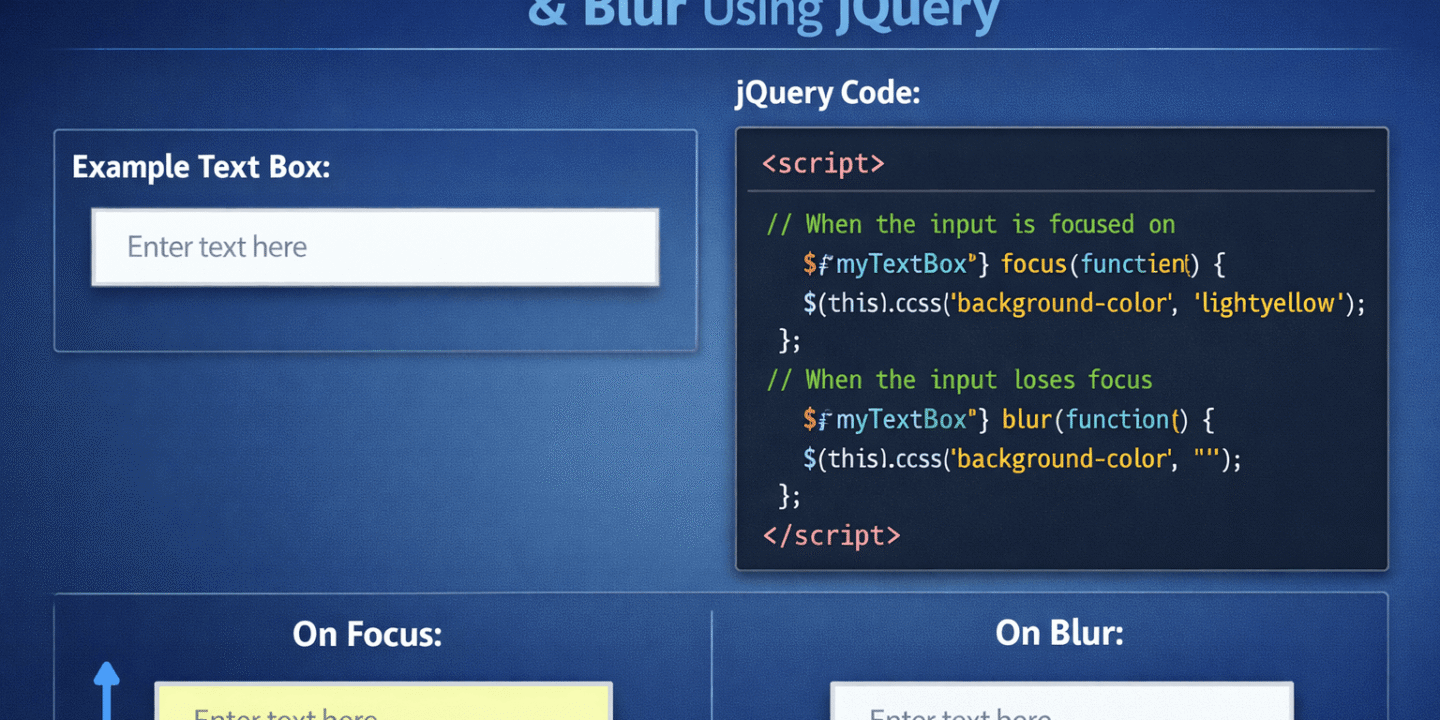
Jquery Change Background Color of Input Box On Focus
In this tutorial, I will explain how to change Textbox background color on focus & Blur using jQuery
Description:
In previous articles, I explained Get Latitude and Longitude from Zip Code using Jquery, What is Local Storage and Session Storage and many more articles relating to Angular, Node, React & JavaScript. Now I will explain how to change Textbox background color on focus & Blur using jQuery
To change the textbox background color on focus & blur we need to write the code like as shown below,
Use The Code:
<script type="text/javascript">
    $(document).ready(function () {
      $('input:text').focus(function () {
        $(this).css({ 'background': 'Black' });
      });

      $('input:text').blur(function () {
        $(this).css({ 'background': 'red' });
      });
    });
</script>
If you want to complete code, you need to write the code like as shown below
Use The Code:
<html>

<head>
<title>Change Text Box background color on Focus & Blur using jQuery </title>
<script type="text/javascript" src="https://code.jquery.com/jquery-3.4.1.min.js"></script>
<script type="text/javascript">
$(document).ready(function () {
$('input:text').focus(function () {
$(this).css({ 'background': 'Black' });
});

$('input:text').blur(function () {
$(this).css({ 'background': 'red' });
});
});
</script>
</head>

<body>
<input type="text" class="form-control" id="txtEmail" value="" placeholder="Enter Email Address" />
</body>

</html>